 MouseEffect
A little joy, right at your pointer.
Make every move a little more you.
Soft trails. A burst on a click. Your own tiny signature. MouseEffect brings playful particle effects to your Mac, while your pointer works just as it always has.
For macOS 27.0 and later
The app interface is currently in Chinese.
Move, click or drag here. On a phone, tap or swipe.
Interactive website demo. The Mac app offers more controls.
01 / MouseEffect
A good first move.
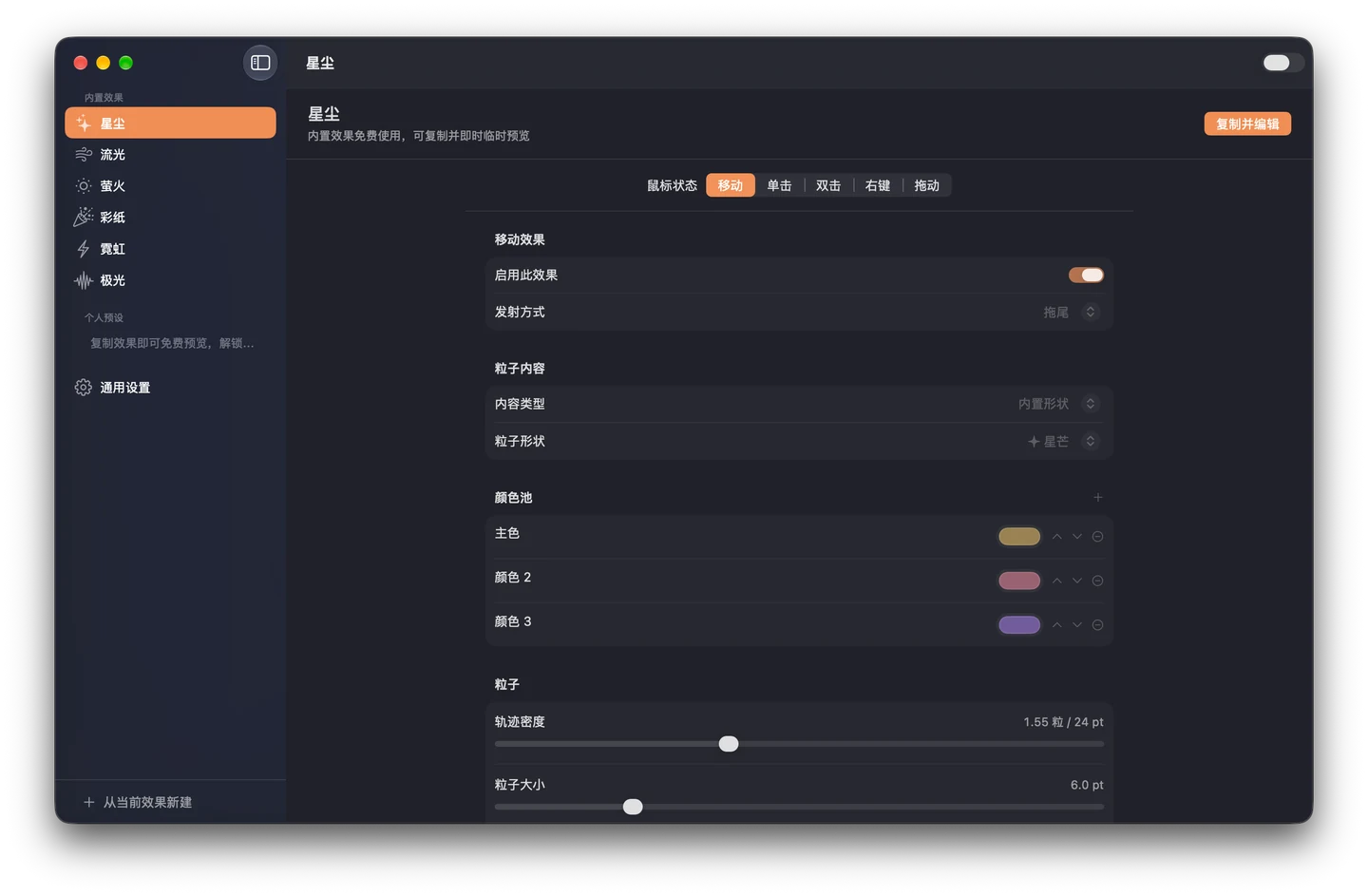
Choose a built-in preset and enjoy effects for movement, single clicks, double clicks, right clicks and dragging. Your normal pointer stays right where it belongs.
- Move
- Click
- Double click
- Right click
- Drag
02 / MouseEffect
Small details. Your signature.
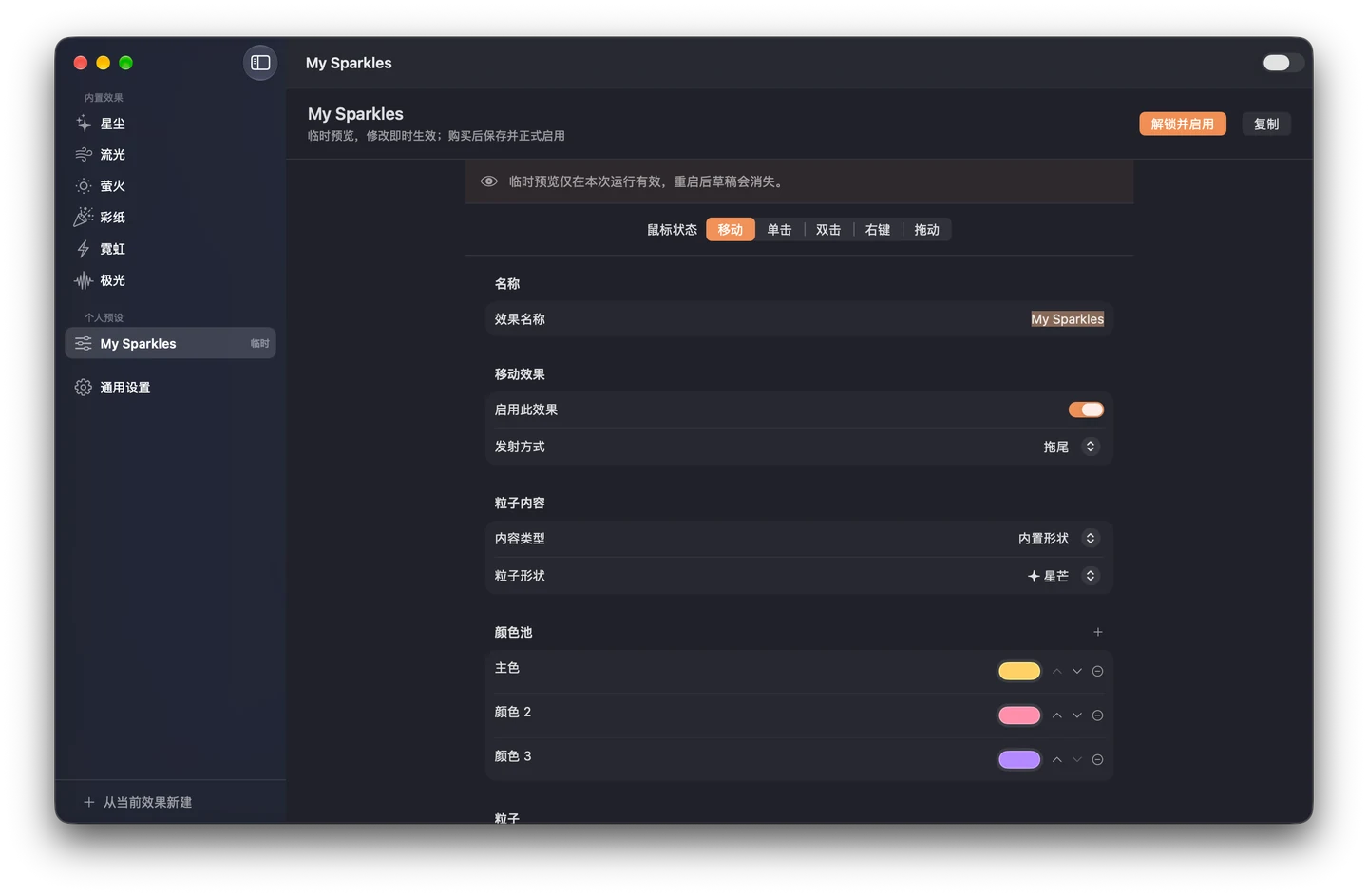
Start from a preset, then make it your own. Create, edit and temporarily preview custom effects for free.
- Use text, Emoji, PNG, JPEG or SVG as your particles.
- Adjust color, size, count, speed, spread, lifetime, gravity and rotation for each gesture.
03 / MouseEffect
Playful when you want it. Quiet when you need it.
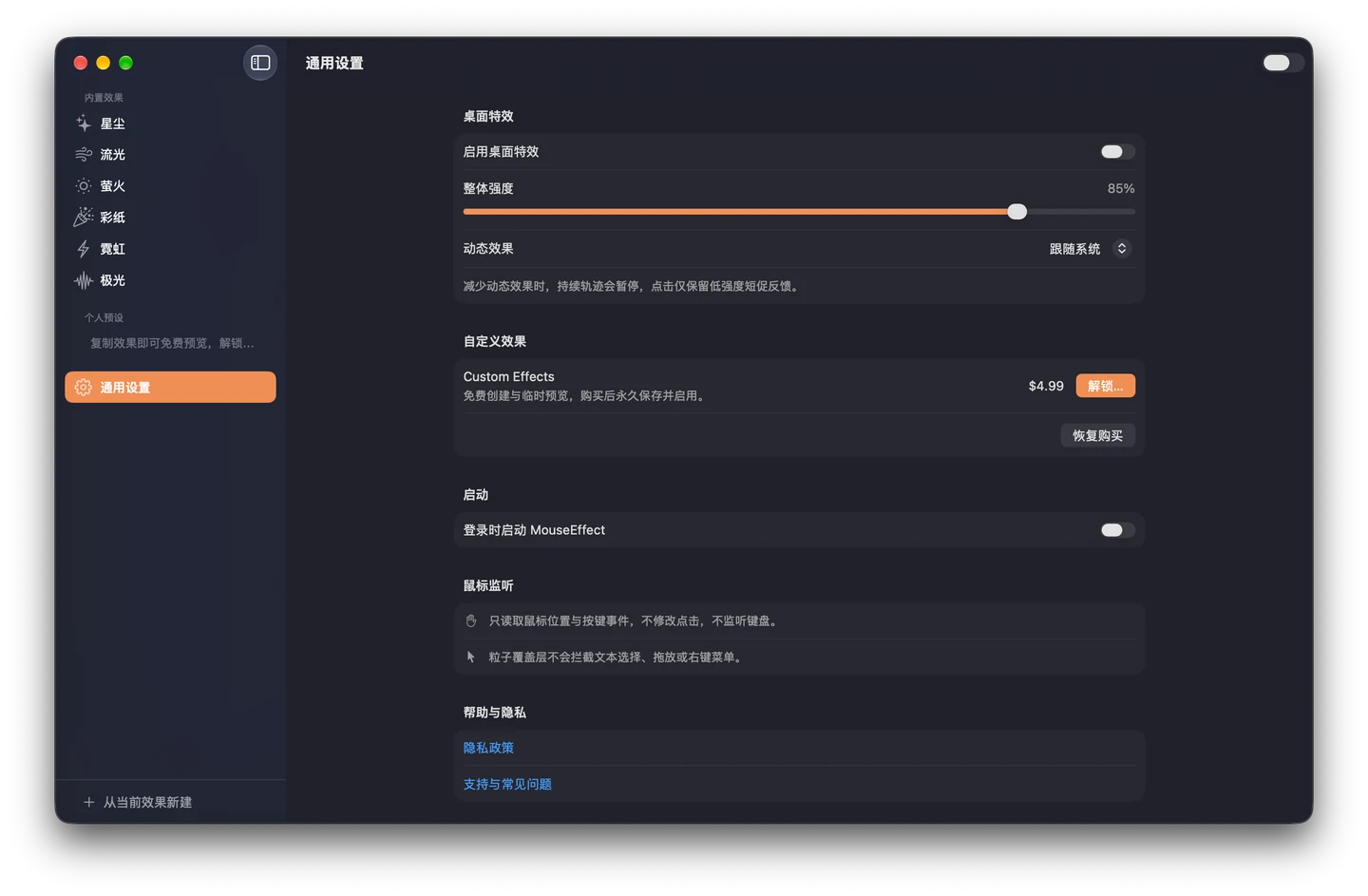
Switch effects from the menu bar and set a comfortable intensity. Follow the system’s Reduce Motion preference or always use reduced effects.
- Pause all effects with one switch.
- Mouse events render locally. No pointer trails are recorded or uploaded.
MouseEffect
Start free. Make it yours.
Built-in effects are free. Explore the custom editor before deciding to unlock saving.
For macOS 27.0 and later
Included for free
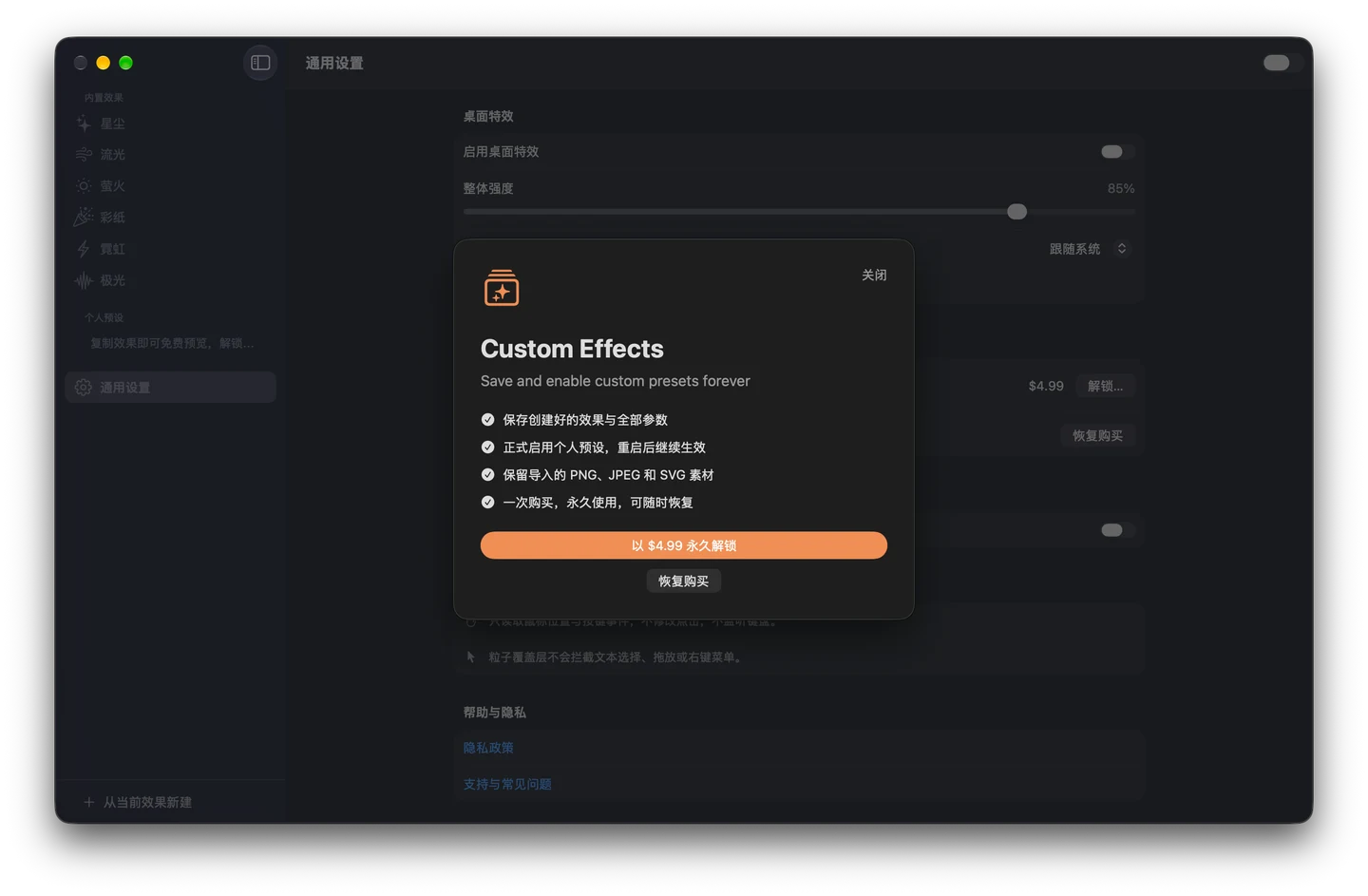
All built-in presets, custom creation, editing and temporary preview. Unsaved drafts last only for the current app session.
One-time unlock
Save and activate your custom effects with a one-time in-app purchase. Restore purchases with the same Apple Account.
US$4.99 base price. Local prices and taxes are shown by the App Store. No subscription.
View the purchase screen
Your desktop stays yours.
No account, analytics SDK or ads. Mouse events become effects on your Mac, then disappear. Learn exactly what stays on your device.
Privacy